VoiceCtrl
Real-time microphone loudness monitor for gamers and streamers. See your voice level at a glance.
Free to use. No account required.
See it in action
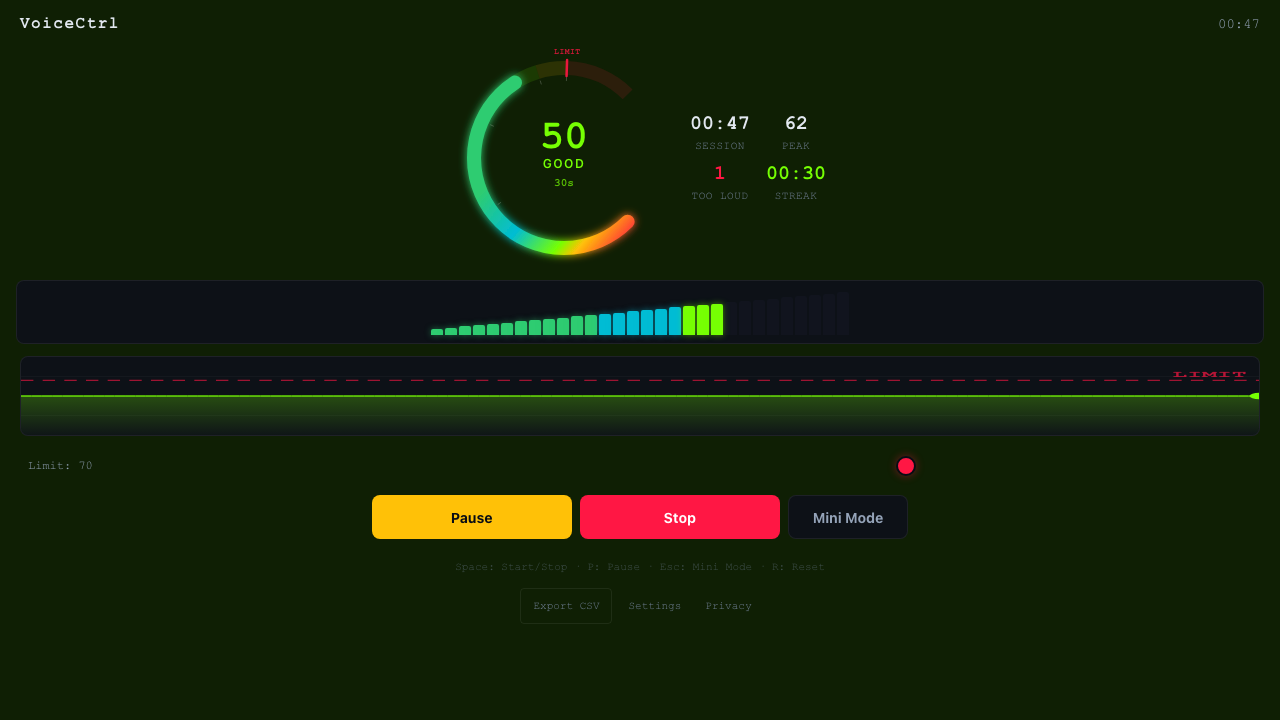
Stay in the green zone with real-time visual feedback
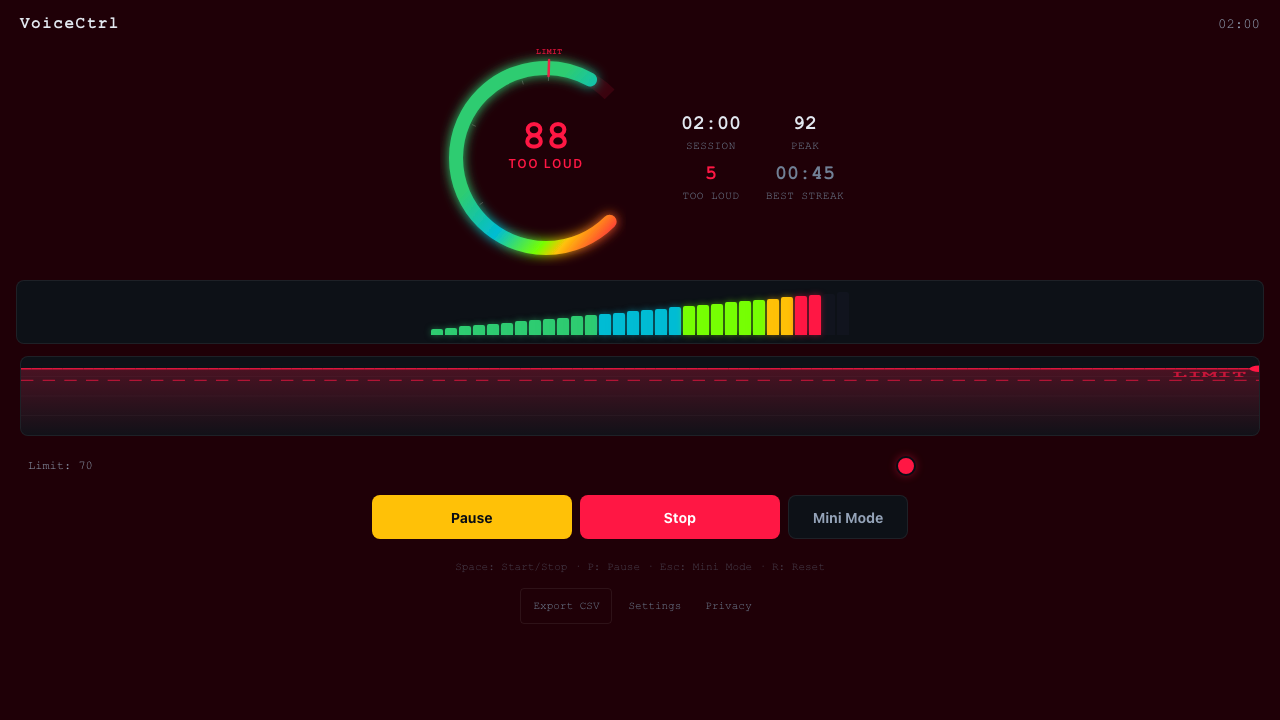
Instant alerts when you get too loud
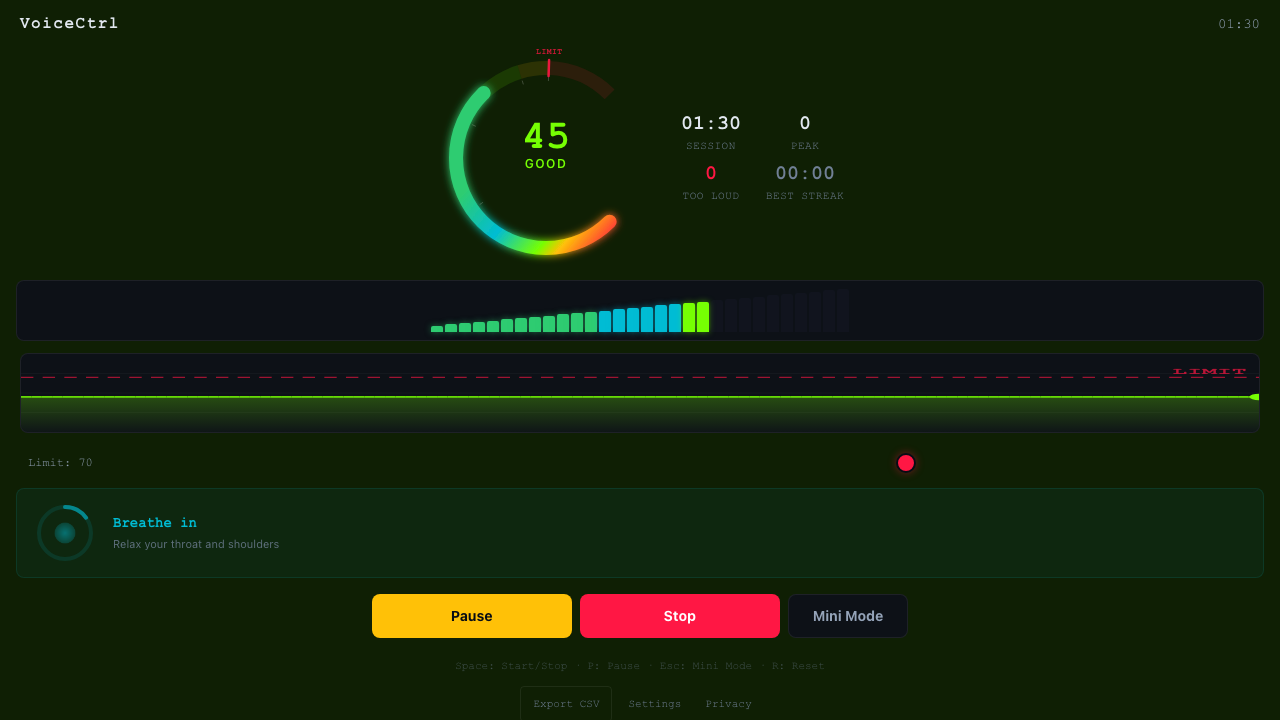
Built-in breathing guide for vocal warm-up
How it works
Calibrate
Speak naturally for 10 seconds. VoiceCtrl sets a personal threshold based on your voice.
Monitor
Start a session. A live gauge and color-coded zones show your volume in real-time.
Improve
Track your score, streaks, and trends. Build better voice habits over time.
Real-time Monitoring
60fps audio analysis with instant visual feedback. See exactly how loud you are, right now.
Color-coded Zones
Five distinct zones from Silent to Too Loud. Instantly know if you need to adjust your volume.
Mini Mode
Compact always-on-top bar that stays out of your way during gameplay.
Session Stats
Track time spent in each zone and your average level across a session.
Zero Data Collection
All processing is local. No audio is ever recorded, stored, or transmitted.
Lightweight
Minimal CPU and memory usage. Built with Tauri for a native, fast experience.